Coding Toys for Kids: Editorially Scored, Screen-Free to Real-Coding
Coding toys for kids — pre-screen sequencing toys, screen-based learning, robotics, and real-coding tiers — editorially scored. With age-by-age pickup-points.
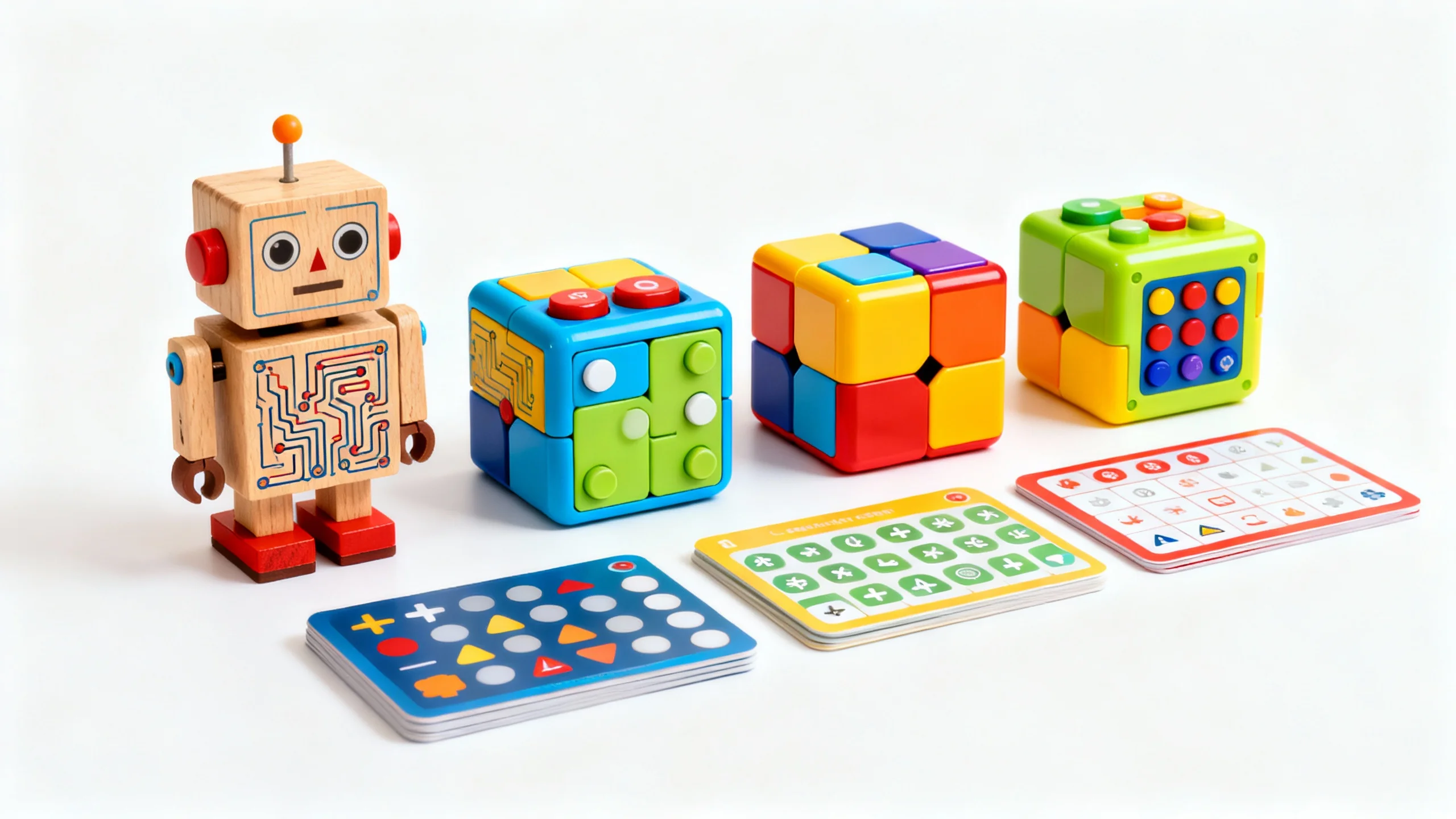
The coding-toy category goes much deeper than “introduce a child to programming”. Done right, it’s a 10-year ladder from sequencing toys at 3 to genuine Python projects at 13, each tier conceptually building on the previous. This guide picks the toys that actually anchor that ladder.
Cubetto (Primo Toys)
Cubetto is the screen-free coding toy that genuinely teaches programming logic to ages 3–6. A wooden robot, a board, and physical instruction blocks (forward, turn, function call) — children physically arrange instructions and watch the robot execute. The instruction-block design teaches the core concept of programming (deterministic instruction sequences) without any screen exposure. Higher upfront cost than competitors; more durable and more genuinely educational.
| Coding Toys for Kids — at a glance | Notes | Age | Score |
|---|---|---|---|
| Cubetto Primo Toys Editor's PickPrimo Toys | Wooden, screen-free, 3–6 | 3–6 | 92 |
| Code-a-Pillar Best valueFisher-Price | Battery, sequence segments | 3–5 | 85 |
| Bee-BotTTS Group | Programmable bee-robot | 4–7 | 88 |
| Lego BoostLego | Tablet-app, real building | 7–12 | 91 |
| Scratch (Free) Free / canonicalMIT | Block-based programming | 8+ | 94 |
Frequently asked questions
What age can a child start with coding toys?
Is screen-free coding really teaching programming?
What's the best free coding tool for a 7-year-old?
Should a 6-year-old learn Python?
What's the difference between Lego Mindstorms and Lego Boost?
Our previous picks (preserved with affiliate links)
The list below is the original article we published earlier. The editorial bundle above represents our current analysis as of the last-reviewed date.
Why Screen-Free Coding Toys Matter
When we think about coding for kids, screens and keyboards often come to mind. But the core of programming—logic, sequencing, and problem-solving—can be explored in wonderfully tactile, screen-free ways. Research shows that children learn best through active, hands-on play, which lets them experiment, make mistakes, and discover solutions on their own terms. Developmental psychologist Alison Gopnik describes how, during play, children act much like scientists, testing hypotheses and learning from the outcomes [1]. This kind of open-ended exploration is exactly what screen-free coding toys are designed to encourage.
Screen-free programming toys offer a unique blend of STEM learning and creativity. They invite kids to manipulate physical objects, arrange sequences, and see immediate results—whether it’s a robot following a path or a marble run completing a circuit. These experiences build critical thinking and logic skills in a way that feels like play, not homework. For families mindful of screen time, these toys provide a meaningful alternative that still delivers the cognitive benefits associated with early coding exposure [2].
Another key advantage is accessibility. Screen-free coding toys are often more age-appropriate for younger children, who may not yet have the fine motor skills or attention span for digital devices. They also foster collaboration and communication, as kids work together to solve challenges or invent new games. According to recent surveys, 60% of U.S. parents are now prioritizing toys that build STEM skills, with a growing interest in unplugged options that blend play with purpose [3].
Ultimately, screen-free coding toys are about more than just preparing kids for a digital future. They nurture curiosity, resilience, and a love of learning—qualities that will serve children well in any field they choose to explore.
Here’s what we love:
Best Logic & Coding Starters
Top Screen-Free Coding Toys for Young Children
The preschool and early elementary years are a golden window for introducing coding concepts in playful, age-appropriate ways. At this stage, the best toys are those that transform abstract ideas like sequencing and cause-and-effect into tangible, hands-on experiences. We’ve seen firsthand how young children light up when they can physically arrange blocks, cards, or tiles to “program” a robot or character—no screens required.
One standout is the Learning Resources Botley the Coding Robot, which has earned high marks from both parents and educators for its intuitive, screen-free design [5]. Kids as young as five can use simple direction cards or a remote programmer to send Botley on obstacle courses, solve mazes, or even perform little dances. The immediate feedback—watching Botley follow their commands—makes the logic of coding feel concrete and rewarding.
For even younger children, toys like Cubetto and Code & Go Robot Mouse offer a gentle introduction to programming logic. These toys use colorful blocks or buttons to represent commands, allowing kids to build sequences and see the results unfold in real time. The tactile nature of these toys supports fine motor skills and helps children internalize the basics of algorithms and debugging—skills that will serve them well as they grow [1].
We’re also big fans of story-based coding kits, such as Hello Ruby: Adventures in Coding. This picture book series turns computer science into a whimsical, character-driven journey, making it especially appealing for kids who love stories as much as they love building things [3]. By blending narrative with hands-on activities, these kits help children see coding as a tool for creativity and storytelling, not just a technical skill.
What sets these toys apart is their emphasis on open-ended play. There’s no single “right” solution—kids are encouraged to experiment, iterate, and invent their own challenges. This flexibility keeps them engaged over time and helps them develop the kind of problem-solving mindset that’s valuable in every area of life.
Worth checking out:
Favorite Early Coding Robots
Hands-On Programming Kits for Older Kids
As children grow, their capacity for complex problem-solving and abstract thinking expands. For elementary-aged kids and tweens, screen-free programming kits can offer deeper challenges—inviting them to build, design, and even invent their own devices. These kits go beyond basic sequencing, introducing concepts like loops, conditional logic, and even engineering design.
The Makeblock mBot Robot Kit is a prime example of a hands-on kit that bridges the gap between play and real-world coding [5]. Kids assemble the robot themselves, then use physical cards or a remote to program it to follow lines, avoid obstacles, or complete missions. The satisfaction of seeing their robot respond to a sequence they’ve created—especially after a few rounds of trial and error—builds both confidence and resilience. The mBot’s modular design also means it can grow with your child, supporting more advanced projects as their skills develop.
For kids who love to tinker, the Makey Makey kit is a gateway to endless invention [3]. By turning everyday objects into touchpads, Makey Makey lets kids experiment with circuits and logic in a way that feels like magic. Whether they’re building a banana piano or inventing a custom game controller, children are learning the fundamentals of input/output, prototyping, and creative problem-solving—all without a screen in sight.
We also recommend exploring logic games and puzzle kits that challenge kids to think algorithmically. Games like Robot Turtles and ThinkFun’s Code Master use cards, tiles, or boards to represent programming challenges, encouraging kids to plan ahead, debug their solutions, and adapt to new obstacles. These games are especially effective for families who want to make learning a collaborative, social experience [1].
Subscription kits, such as those from BitsBox, can deliver new coding challenges each month, blending the excitement of a surprise with the structure of guided learning [3]. While some BitsBox activities do involve screens, many families use the included cards and booklets as a jumping-off point for unplugged play—drawing, building, or acting out their own “programs” before ever touching a device.
What unites these kits is their focus on experimentation and iteration. Kids are encouraged to try, fail, and try again—mirroring the real-world process of coding and engineering. This approach not only builds technical skills, but also fosters a growth mindset and a genuine love of discovery.
Parents are loving these:
Best Hands-On Coding Kits
Encouraging Lifelong Curiosity Through Play
The true value of screen-free coding toys isn’t just in the skills they teach—it’s in the mindset they nurture. By making coding tangible, playful, and collaborative, these toys help children see themselves as inventors, problem-solvers, and creators. They learn that mistakes are part of the process, that there’s always more than one way to solve a problem, and that curiosity is its own reward.
We’ve seen how these toys can spark family conversations about technology, engineering, and even ethics. When kids build a robot or invent a new game, they’re not just learning how things work—they’re asking why, and imagining what could be. This kind of inquiry-driven play lays the groundwork for a lifelong love of learning, whether your child grows up to be a programmer, an artist, or something entirely unexpected.
Screen-free coding toys also fit beautifully into a balanced approach to play. They complement outdoor adventures, creative arts, and other screen-free activities that help kids develop a wide range of skills and interests [2]. By offering a mix of structured challenges and open-ended exploration, these toys adapt to your child’s evolving passions and abilities.
As you choose coding toys for your family, look for options that are open-ended, durable, and genuinely fun. The best toys are those that invite repeated play, spark new ideas, and grow with your child. Whether you’re building robots, inventing games, or telling stories, you’re helping your child build the confidence and curiosity they’ll need to thrive in a rapidly changing world.
Ready to shop?
Inspiring Coding Games
Screen-free coding toys are more than just a trend—they’re a thoughtful way to nurture curiosity, creativity, and resilience in kids of all ages. By making the logic of programming hands-on and playful, we can help our children discover the joy of problem-solving, one experiment at a time.
Sources
[1] Learning Toys and STEM Toys We Love | Reviews by Wirecutter — https://www.nytimes.com/wirecutter/reviews/learning-toys-and-stem-toys-we-love/
[2] 50 creative screen-free activities for kids to do over summer break — https://coolmompicks.com/blog/2021/07/03/screen-free-summer-activities-for-kids/
[3] The Engineer-Approved STEM Gift Guide For Curious Kids — https://www.forbes.com/sites/taliamilgromelcott/2025/12/11/the-engineer-approved-stem-gift-guide-for-curious-kids/
[4] The Only Toy Gift Guide for a 3-Year-Old You’ll Ever Need — https://nymag.com/strategist/article/best-gifts-toys-for-a-3-year-old.html
[5] The Best Robot Toys for Kids According to Parents and Educators — https://www.parents.com/best-robot-toys-8583933